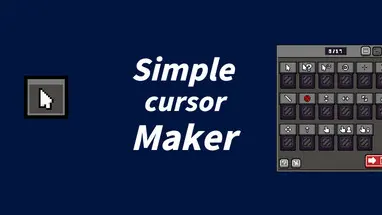
Simple Cursor Maker
4 Nov 2024 · (22 months ago) · Full Release
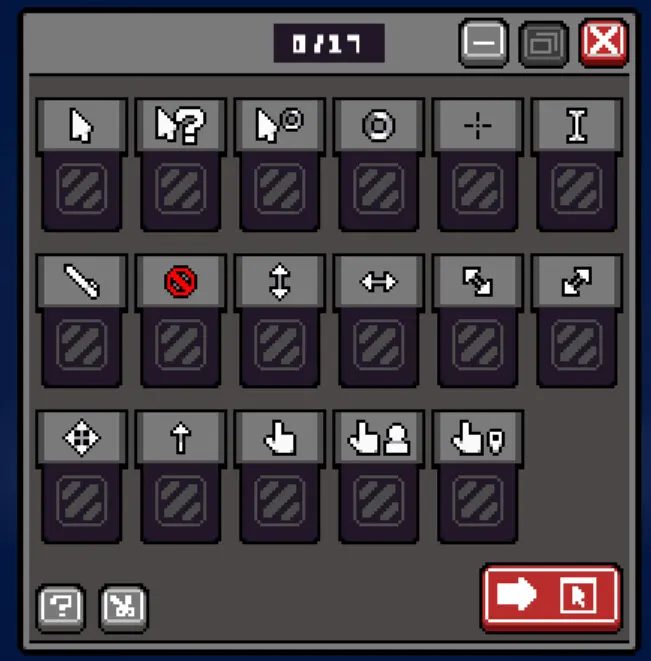
The main function of the software is to allow users to import different images for each cursor and export them as installation packages or compressed files.
Need a rig? Gaming PCs, handhelds & where to buy →
Developer & Publisher: OneChen Studio
About
About this game
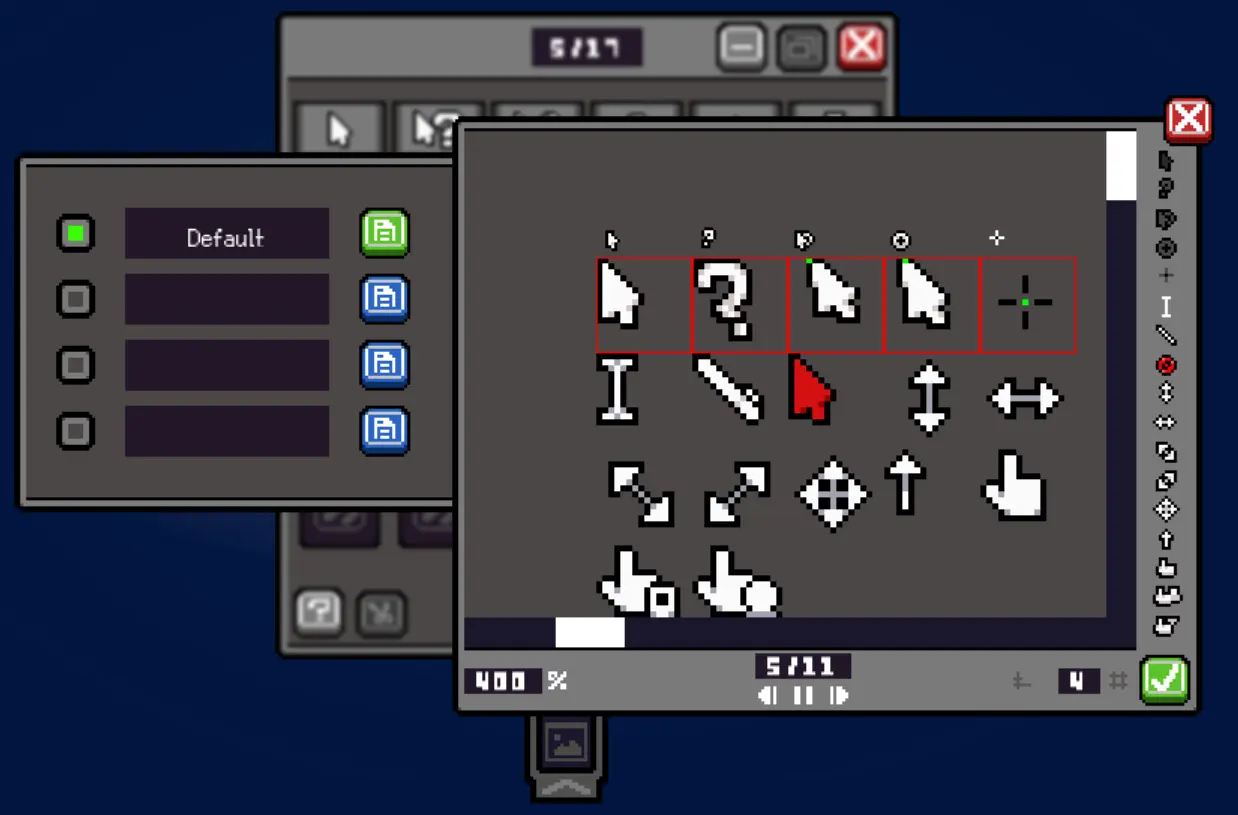
Simple Cursor Maker is a tool designed to convert images into cursor formats.
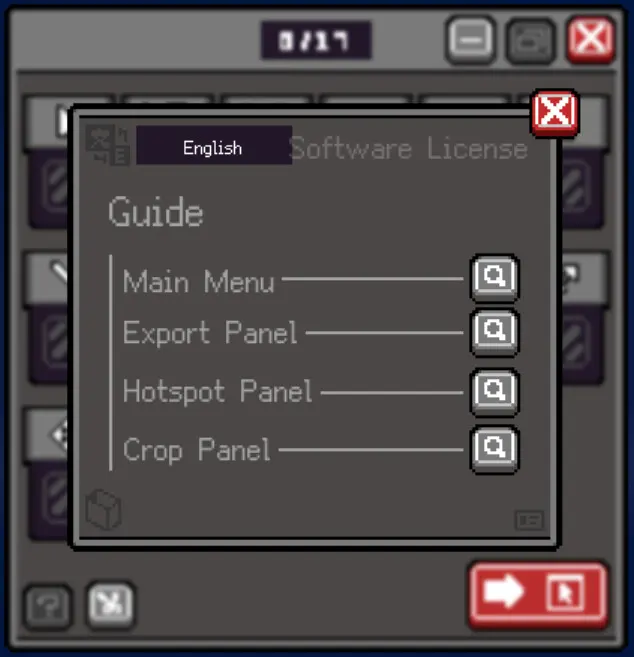
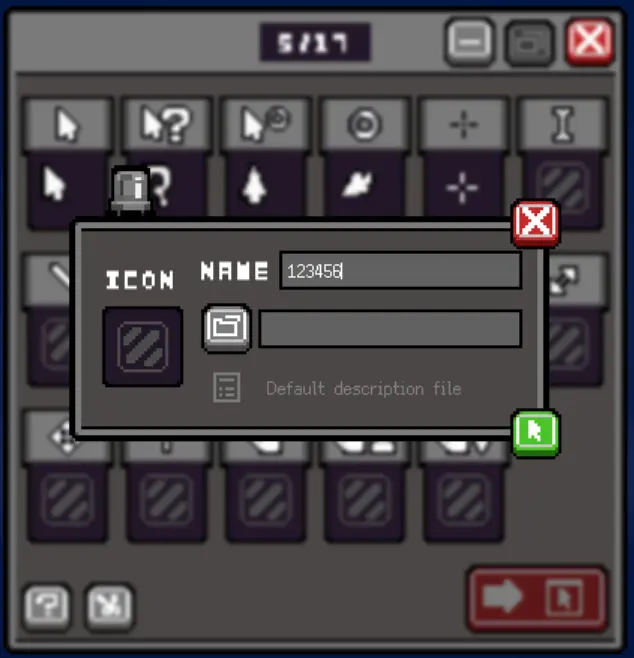
The interface is clean and user-friendly, allowing for quick importing and exporting of files, greatly simplifying the workflow.
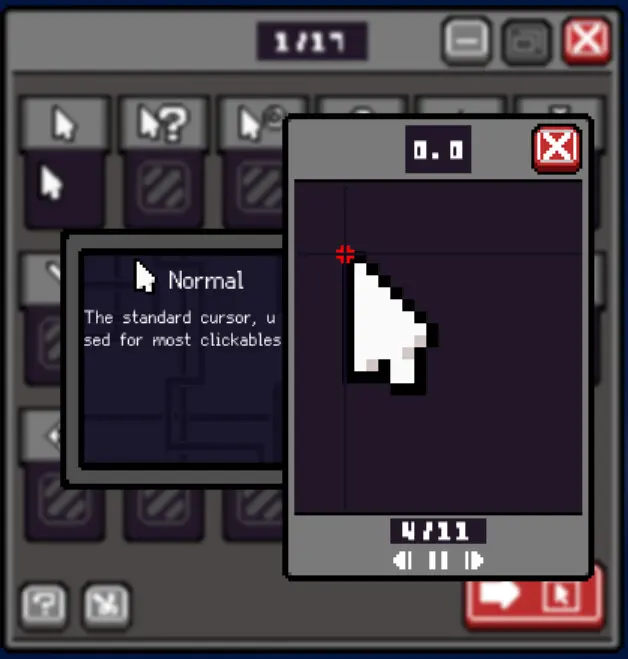
It includes a cropping mode that enables users to split a single showcase image into multiple parts.
Completed cursors can be exported with one click as either a ZIP file or an EXE file.
The EXE file serves as a quick installation package, including an icon, text information, and a double-click mouse installer, with no additional content.
The main feature of the software allows each cursor to import a different image format (.gif, .png, .ani, .cur) and export them as a compressed package. Users can choose between true color mode and 256-color mode for export, offering flexibility in output quality.
If the software generates sufficient revenue, future updates will include versions compatible with macOS and Linux systems, along with additional features.
Trailers
System requirements
Minimum: OS: Windows 10 Processor: inter(R)Core(TM)i3-370m Memory: 40 MB RAM Graphics: NVDIV GeFoce GTX 760(128MB)
Features & accessibility
PC system requirements
Minimum: OS: Windows 10 Processor: inter(R)Core(TM)i3-370m Memory: 40 MB RAM Graphics: NVDIV GeFoce GTX 760(128MB)
Where to buy
official storesReviews
Screenshots
Do you recommend it?
No member reviews yet — be the first.
Discussions
View all →No discussions yet. Start one →
Aggregated from: steam