DiuTaMaPro
5 Nov 2024 · (20 months ago) · Full Release
A lightweight desktop toolkit with 4 practical built-in tools. All your data is processed locally on your device with no cloud upload, fully protecting your privacy and file security.
Need a rig? Gaming PCs, handhelds & where to buy →
Developer & Publisher: Traveller0323
About
About this game
DiuTaMaPro V2 | All-In-One Local Offline Toolkit for DevelopersA lightweight desktop toolkit with 4 practical built-in tools. All your data is processed locally on your device with no cloud upload, fully protecting your privacy and file security.
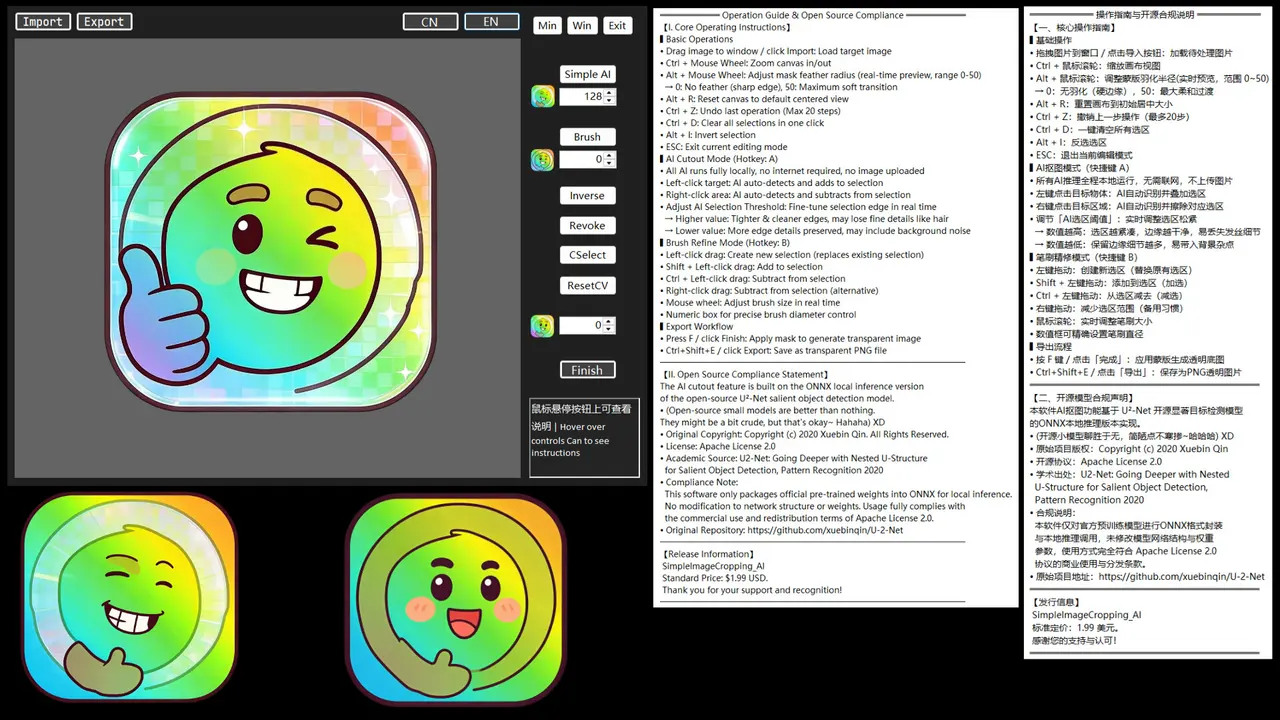
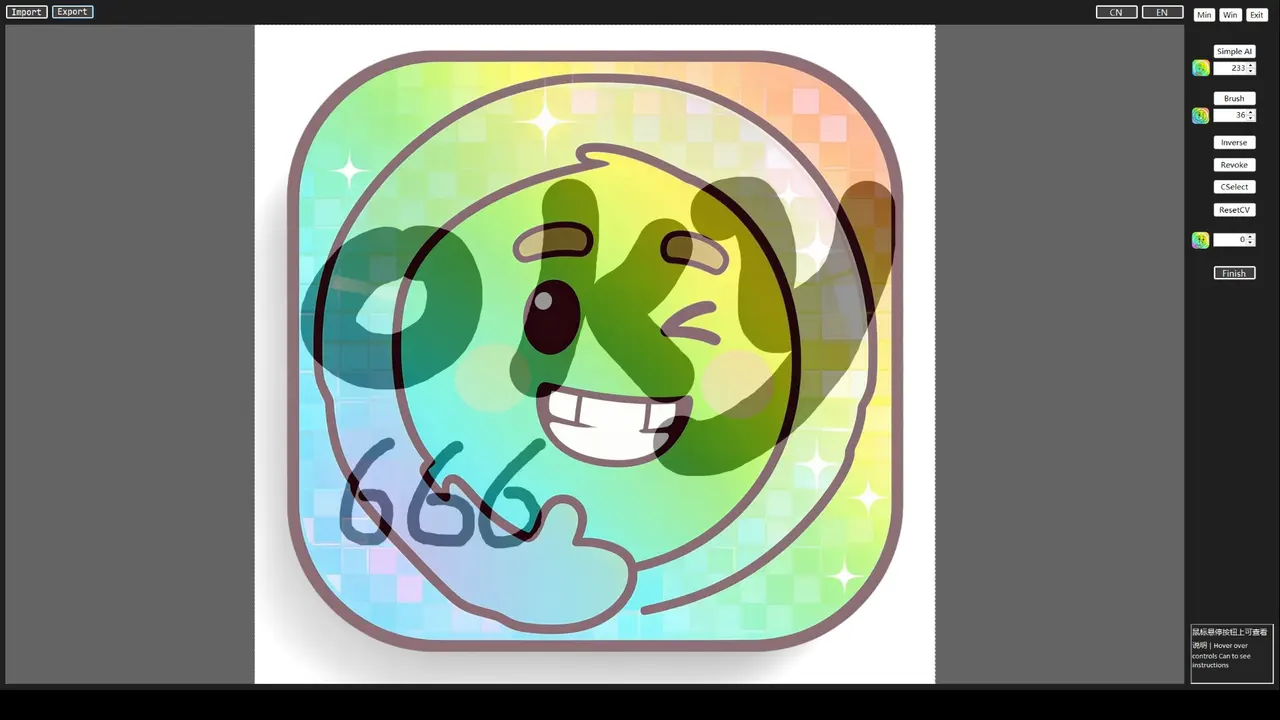
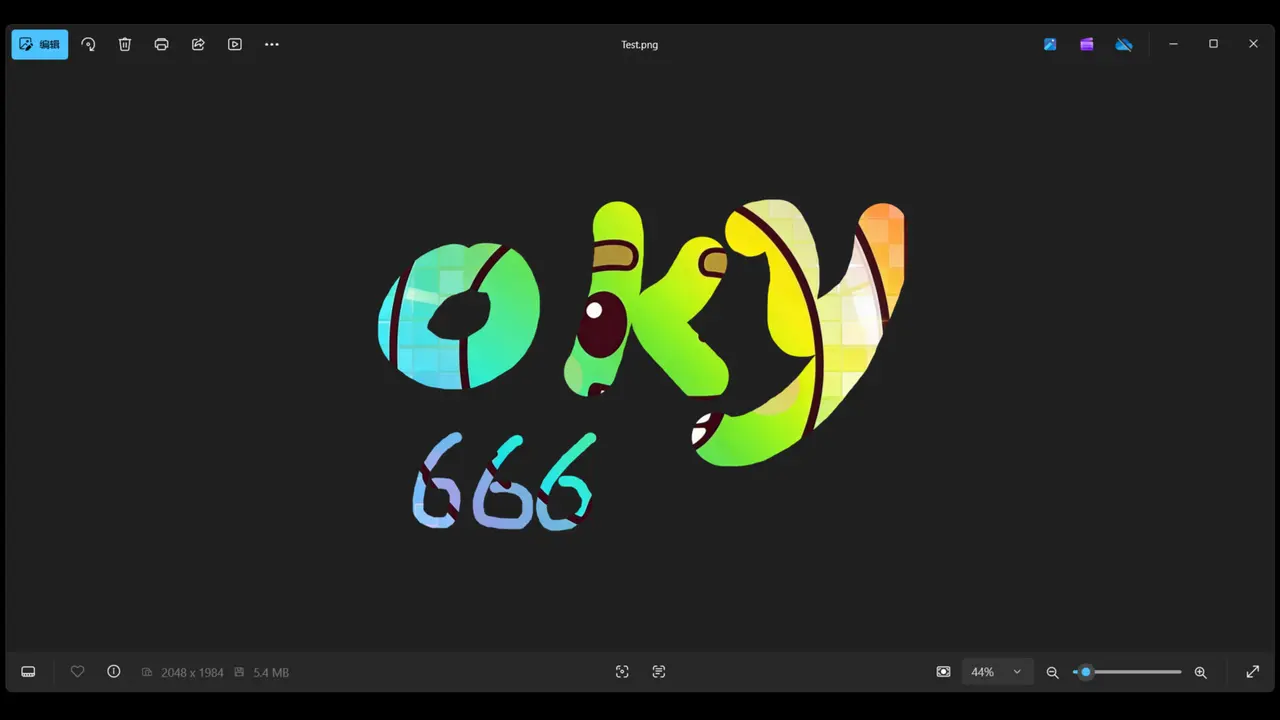
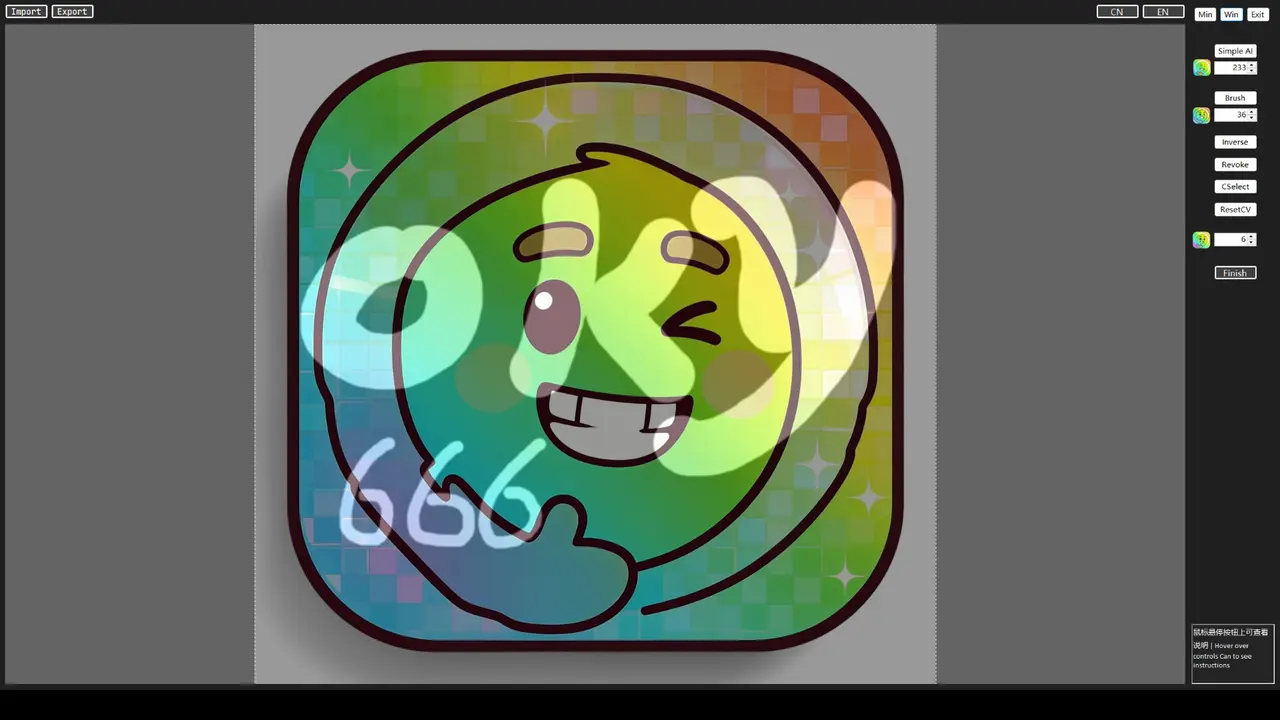
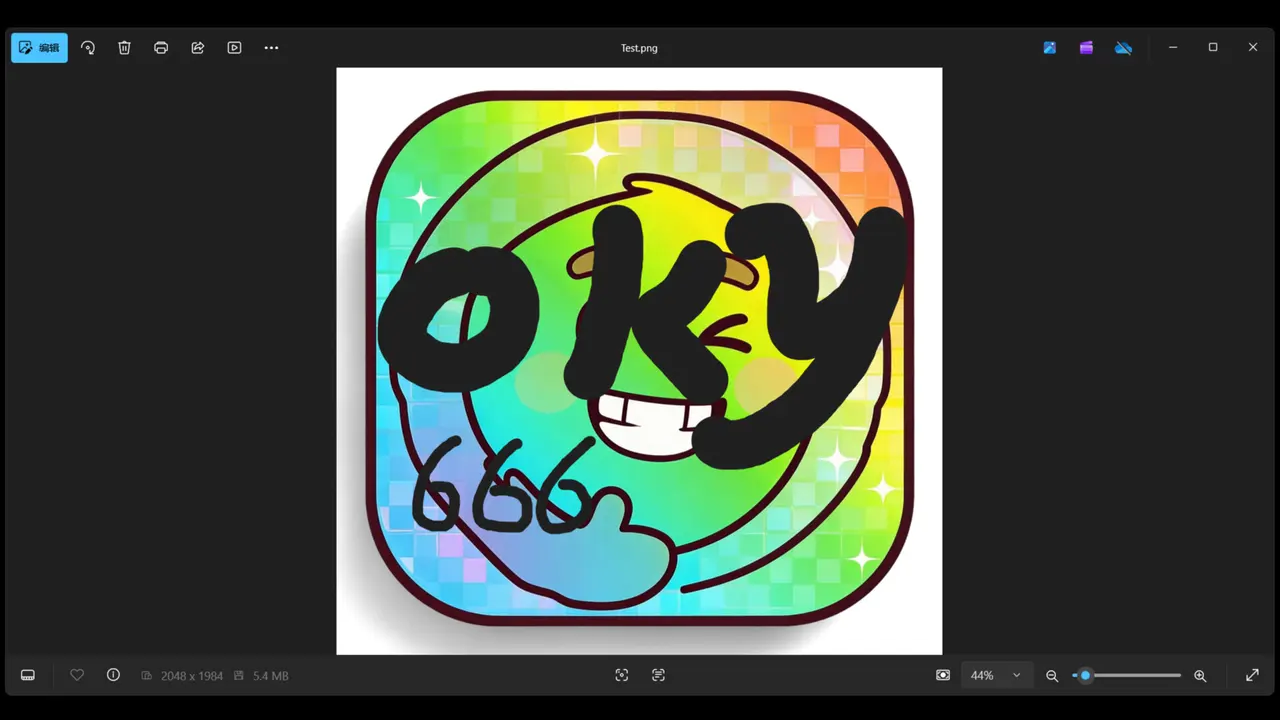
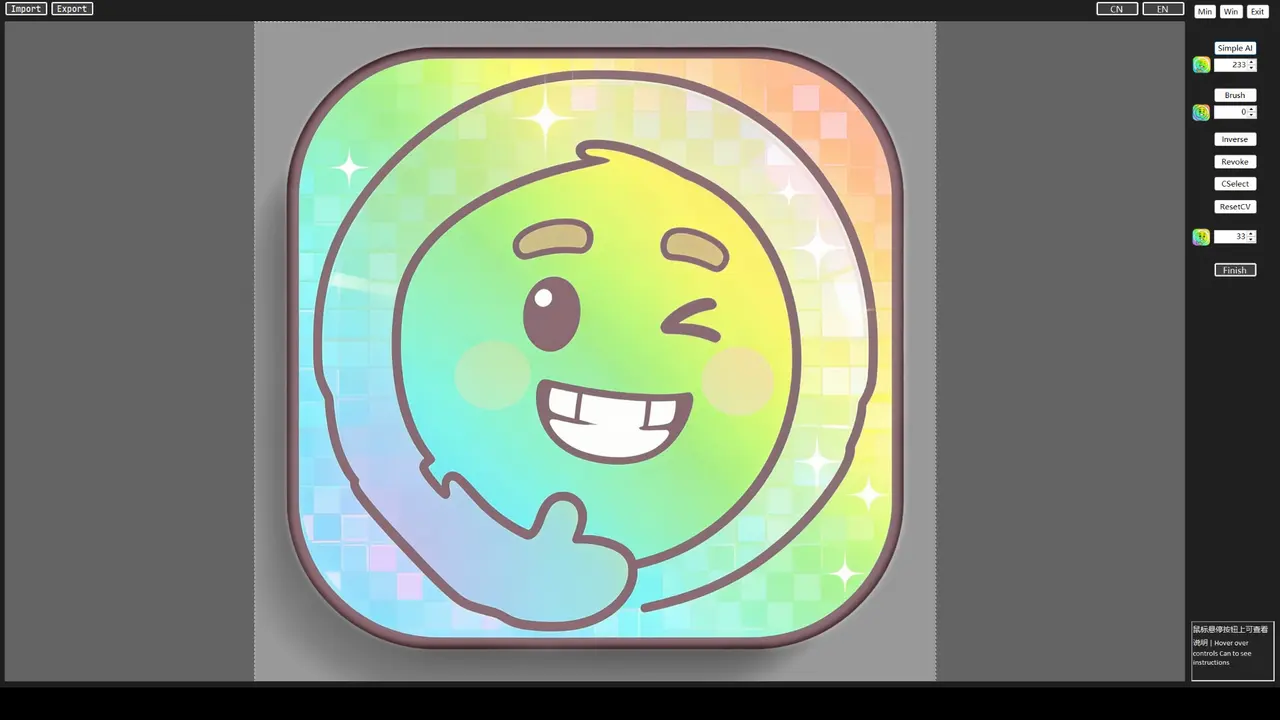
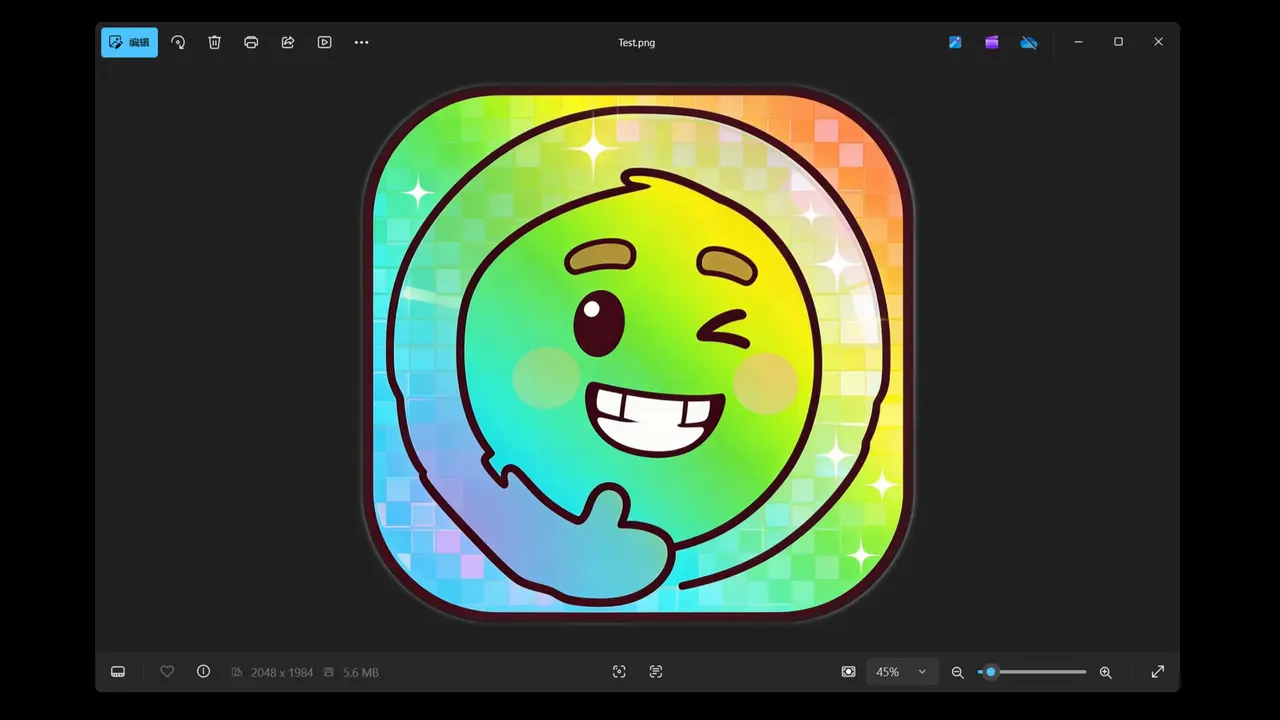
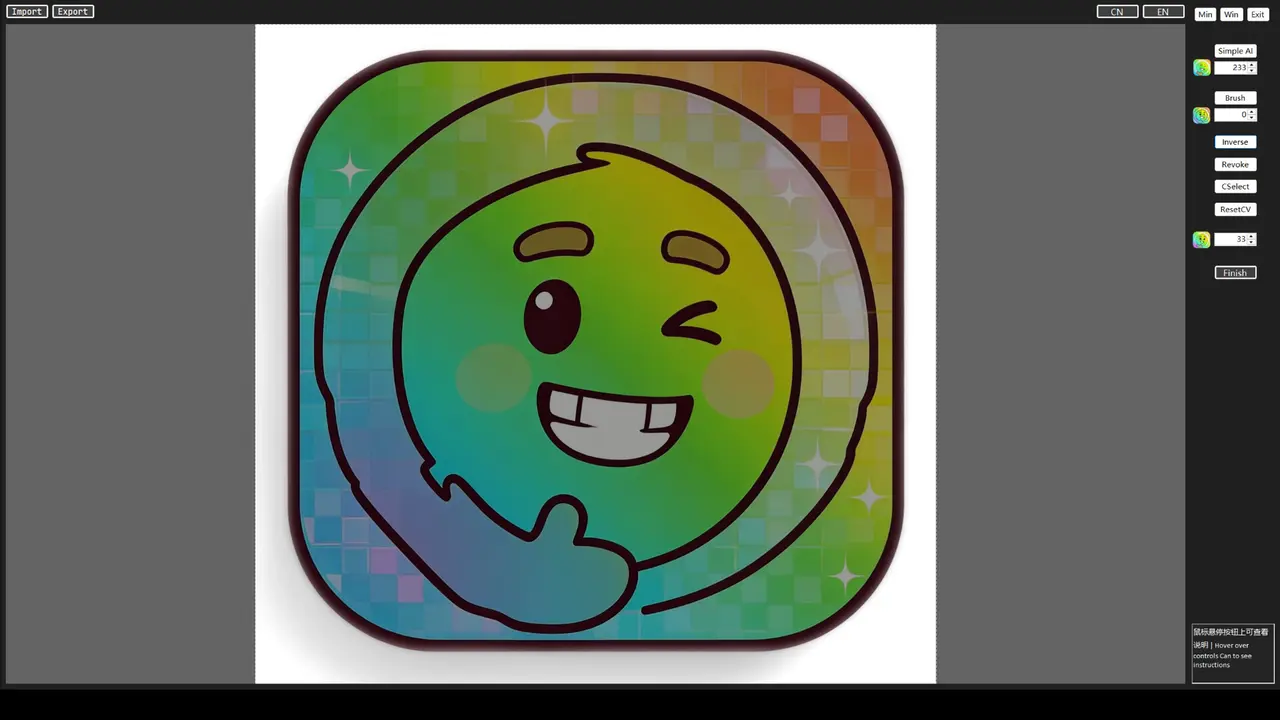
1. Easy Offline AI Image Matting ToolPowered by lightweight local U²-Net AI model, no internet connection required for intelligent image cutout.
Two editing modes available: AI click selection & manual brush refinement, you can freely add or erase selection areas.
Equipped with global hotkeys, real-time threshold adjustment, canvas zoom & pan, up to 20-step undo function. Export transparent PNG images in one click for your design assets.
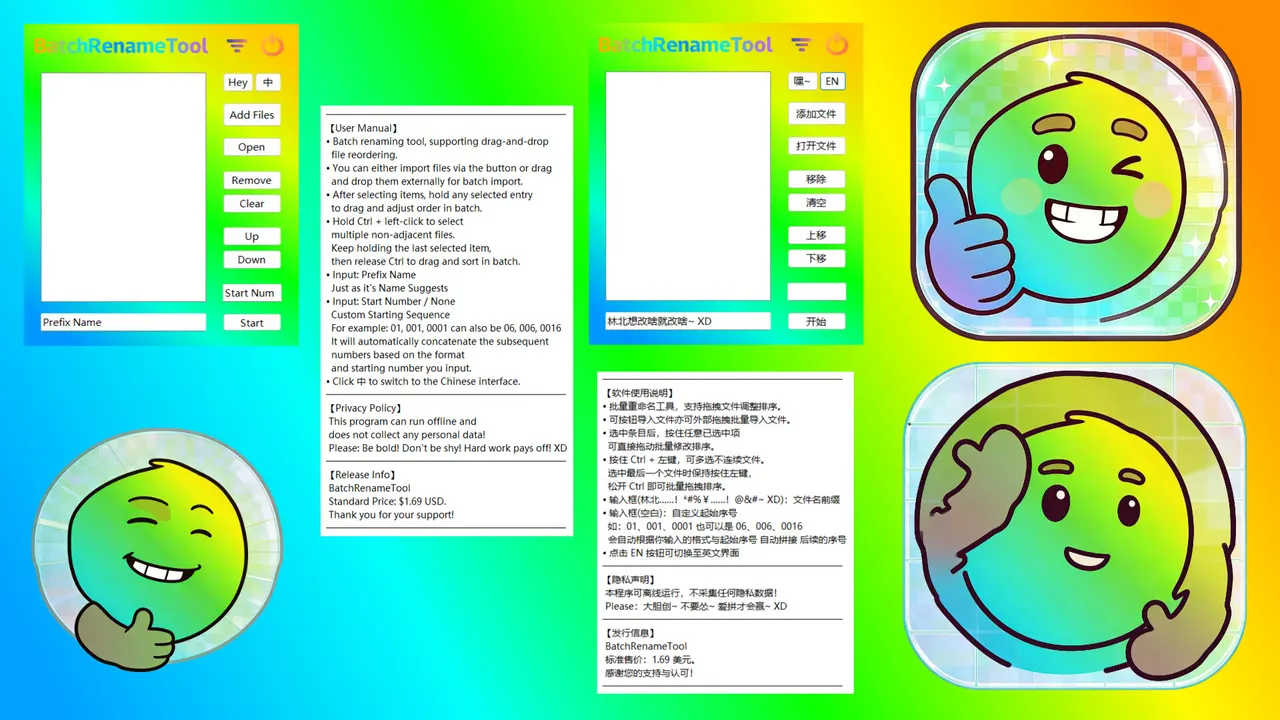
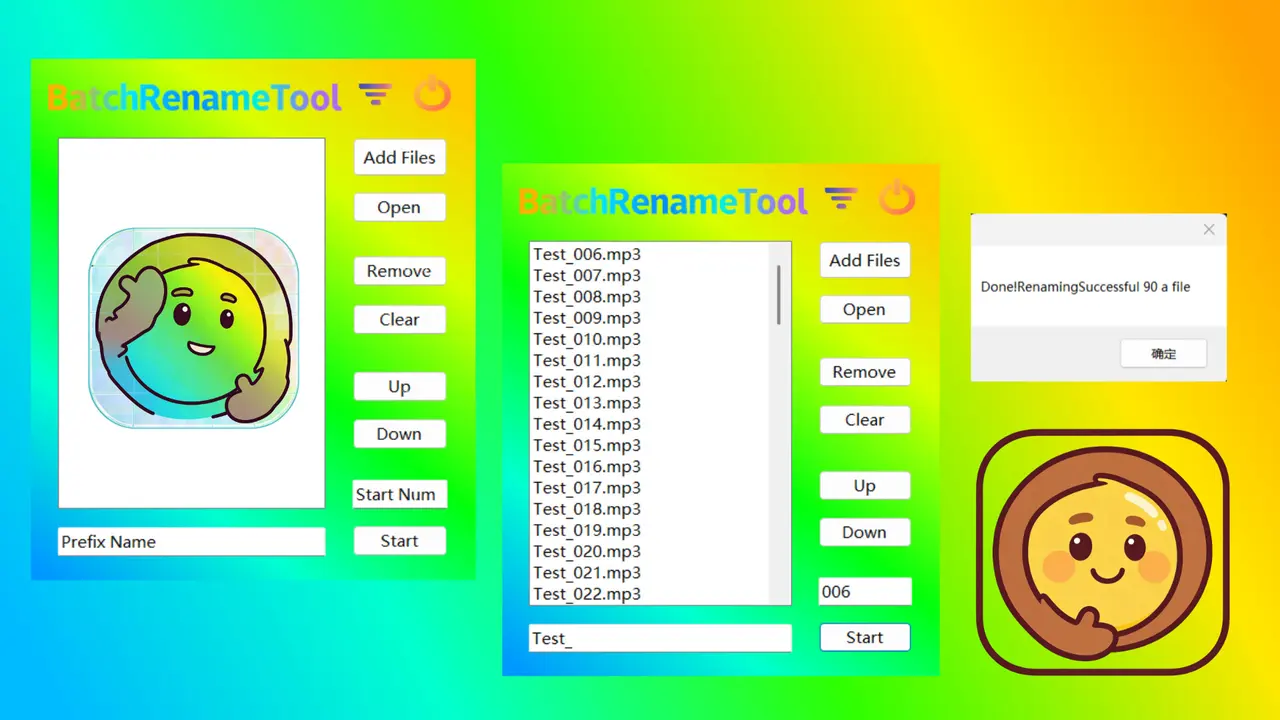
2. Visual Bulk File RenamerDrag & drop to import batches of files, rearrange file order visually in real time, customize naming rules to organize massive files efficiently without repetitive manual work.
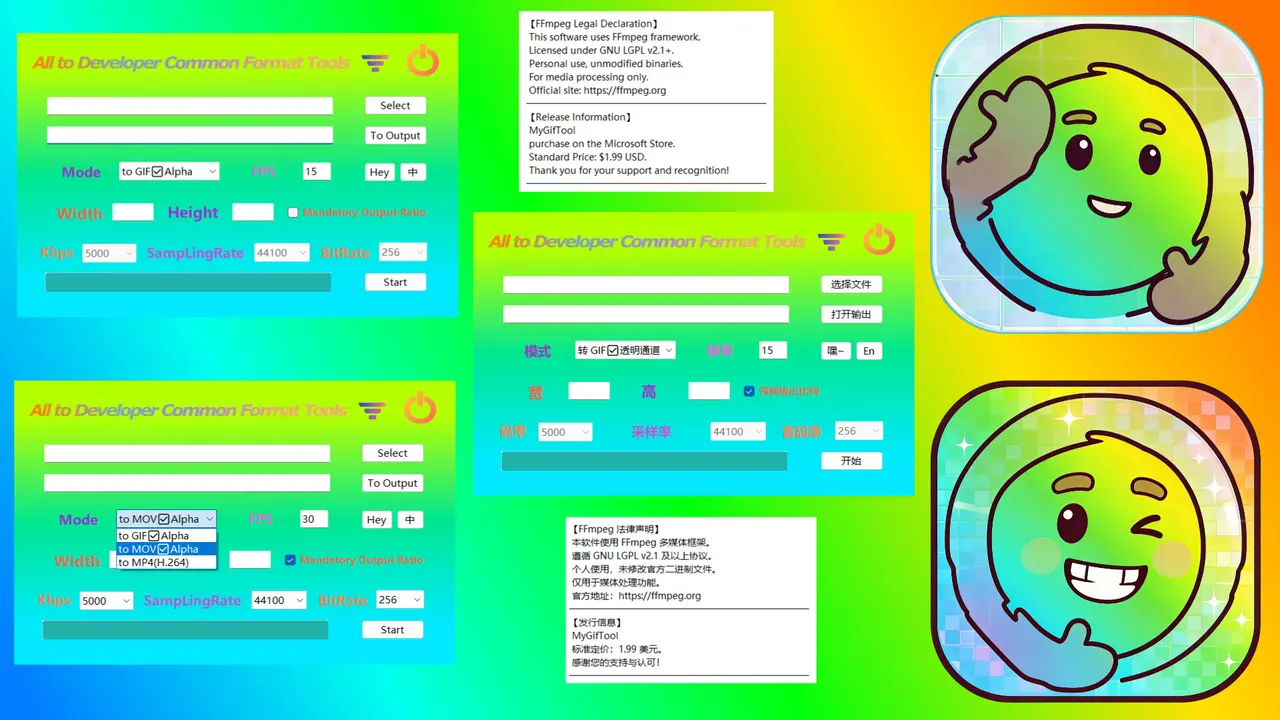
3. Developer-Oriented Media ConverterSupports format conversion among GIF, MOV and MP4. Native full support for Alpha transparent channel, ideal for making UI animations, demo clips and transparent motion materials.
4. Multi-Thread Custom Macro HelperDifferent from traditional hardware macro devices, this tool adopts independent multi-thread architecture:
Customize keyboard keys & left/right mouse buttons for auto execution, with fixed or random trigger intervals to simulate real human operations.
All assigned keys run asynchronously in parallel without sequential waiting, perfectly simulating concurrent manual operations.
Compatibility & Anti-Detection TipThis tool cannot guarantee full compatibility with all anti-cheat or protected applications under default settings.
If your operation is blocked, use this reliable workaround:
Run DiuTaMaPro on your physical host PC, launch your target program inside a virtual machine and activate the VM window.
This method bypasses most process detection, as applications in the virtual machine cannot access background processes running on your physical device. Combined with multi-device synchronizers, you can unlock more advanced automation use cases.
This app runs fully offline locally without collecting any personal privacy data. All your materials and configuration files are stored only on your local device and will never be uploaded to the cloud.
This application is only natively supported for Windows 10 version 1809 (17763) and above (64-bit (x64)) and Windows 11 64-bit (x64) operating systems; it is incompatible with 32-bit (x86) systems, and 32-bit devices cannot install or run this software properly; even in rare cases where forced deployment is successful, it cannot guarantee program stability and functional integrity. Before placing an order, please make sure to confirm your system bit and system version.
Trailers
System requirements
Minimum: OS: Windows 10 Processor: Intel i5-7500 / AMD Ryzen5-1600 Memory: 4 GB RAM Graphics: Any DirectX: Version 9.0 Storage: 2 GB available space Sound Card: Any
Features & accessibility
PC system requirements
Minimum: OS: Windows 10 Processor: Intel i5-7500 / AMD Ryzen5-1600 Memory: 4 GB RAM Graphics: Any DirectX: Version 9.0 Storage: 2 GB available space Sound Card: Any
Where to buy
official storesReviews
Screenshots
Do you recommend it?
No member reviews yet — be the first.
Discussions
View all →No discussions yet. Start one →
Aggregated from: steam