Controllers Battery Indicator
11 Mar 2019 · (7 years ago) · Full Release
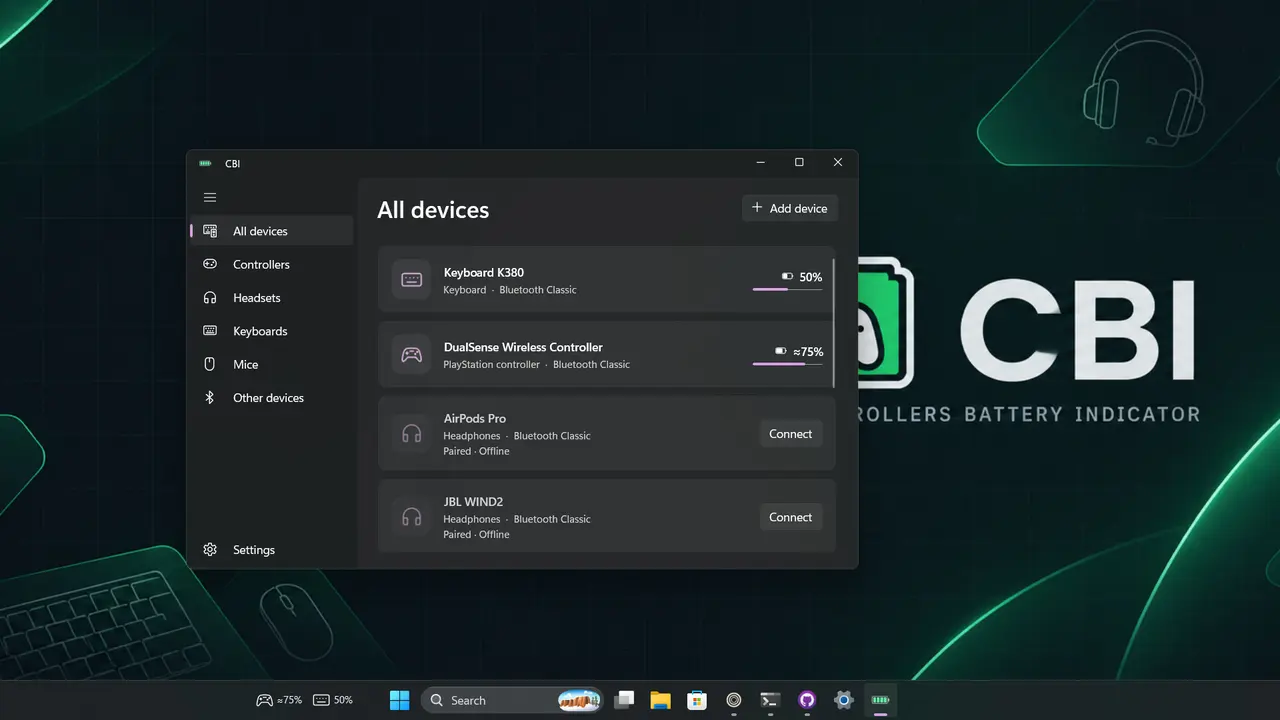
CBI is a modern battery monitoring app for Xbox and PlayStation controllers, Bluetooth headphones, keyboards, mice, and other compatible devices. Monitor battery levels directly on the Windows taskbar, customize notifications, and track battery history with a native WinUI 3 interface.
Need a rig? Gaming PCs, handhelds & where to buy →
Developer & Publisher: CWH Entertainment
About
About this game
We're excited to introduce a completely new version of Controllers Battery Indicator!
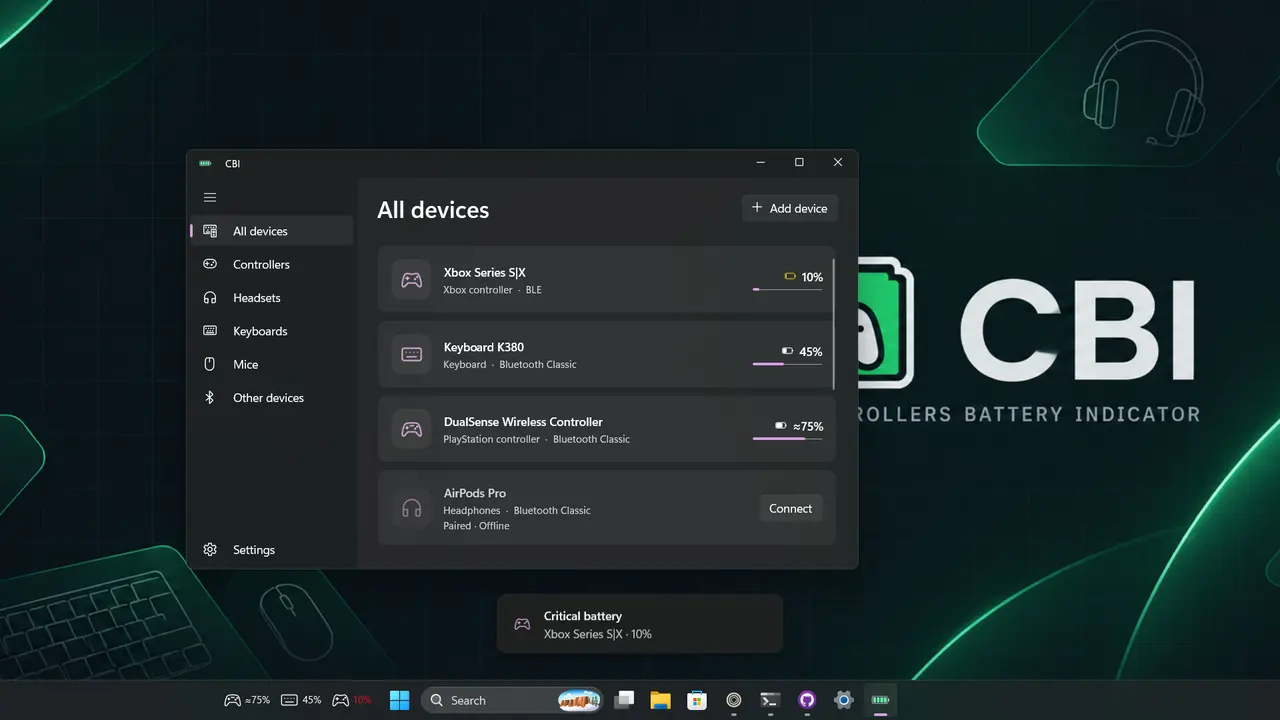
CBI goes beyond monitoring game controller batteries. Gamepads, headphones, keyboards, mice, and other compatible Bluetooth devices are now brought together in a single app.
Important note about previous reviews
CBI has been completely redesigned. All reviews published before the release of the new version refer to the outdated application and do not reflect its current functionality, interface, or performance. Please keep this in mind when reading previous reviews. We encourage you to try the new version and share your own experience.
What's new?
Xbox and PlayStation Controllers
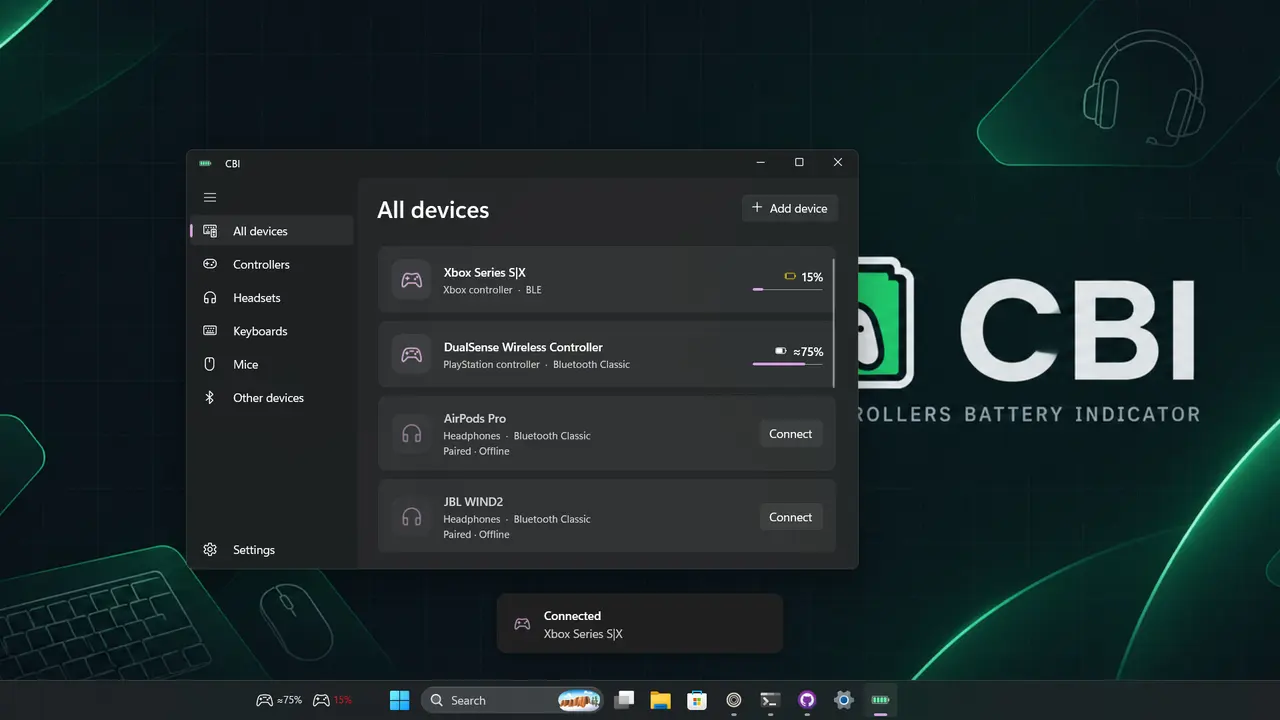
Keep track of your controller's battery level while gaming. Supports Xbox 360, Xbox One, Xbox Series X|S, DualShock 4, and DualSense.
Support for Other Bluetooth Devices
Check the battery levels of wireless headphones, keyboards, mice, and other devices that report battery information to Windows. For compatible AirPods, you can view the battery level of each earbud and the charging case separately.
Modern Interface
A completely redesigned WinUI 3 interface inspired by Windows 11, with support for both light and dark themes.
Taskbar Widgets
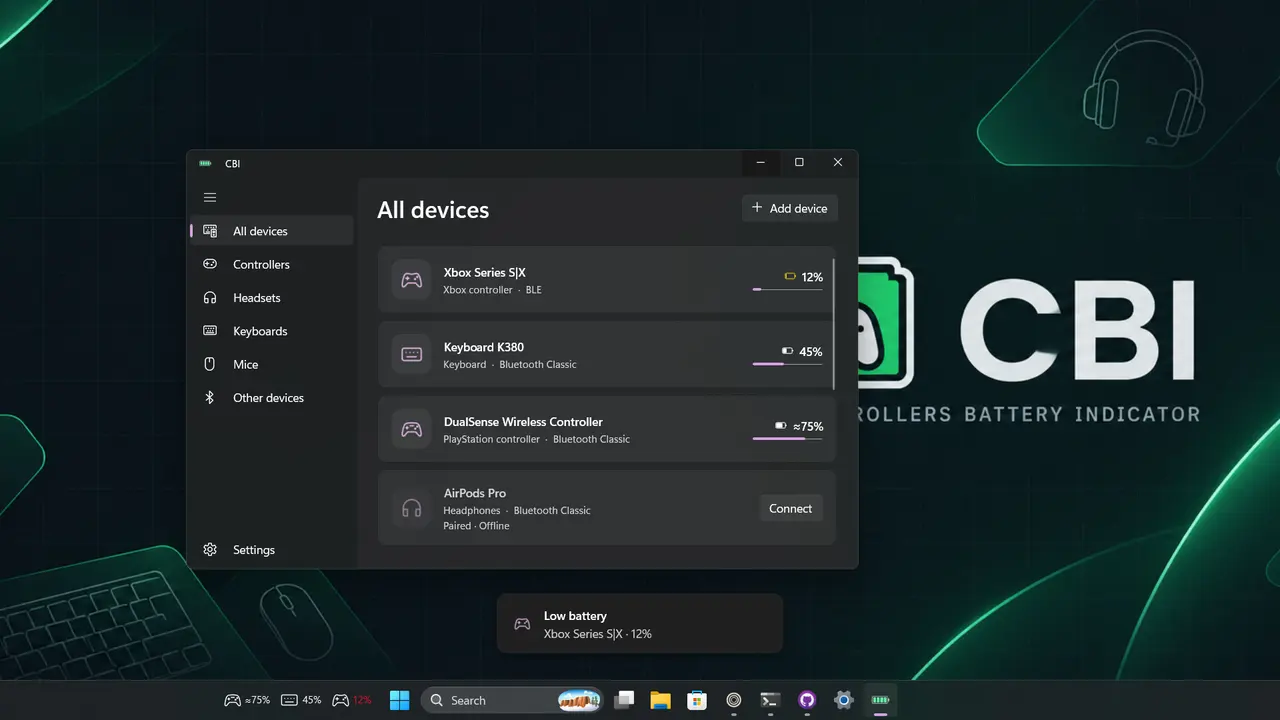
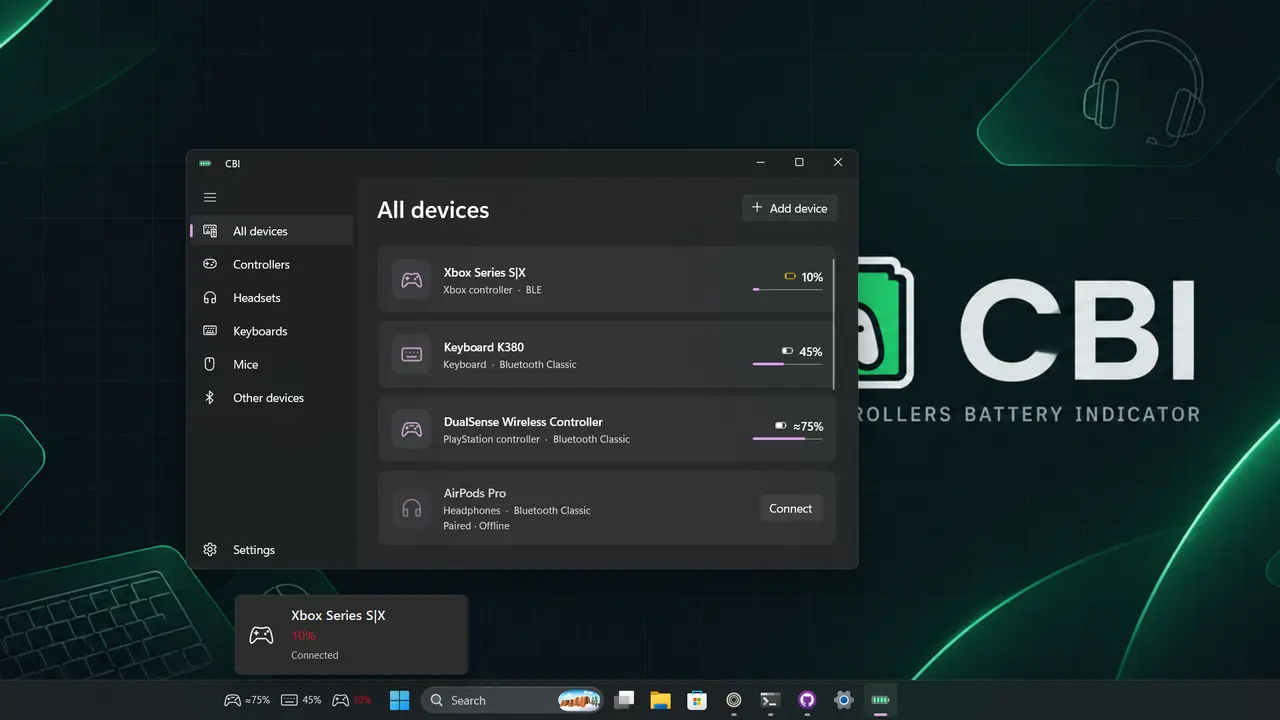
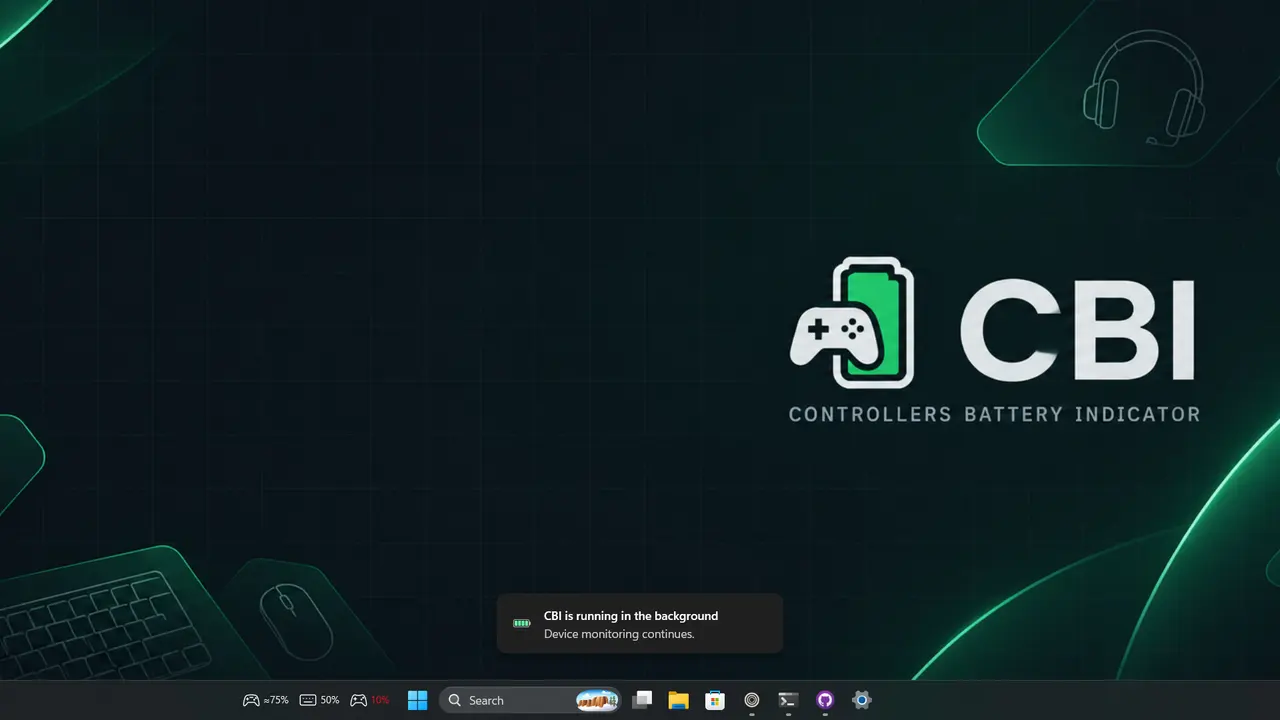
Choose your preferred devices and monitor their battery levels directly on the Windows taskbar without opening the app.
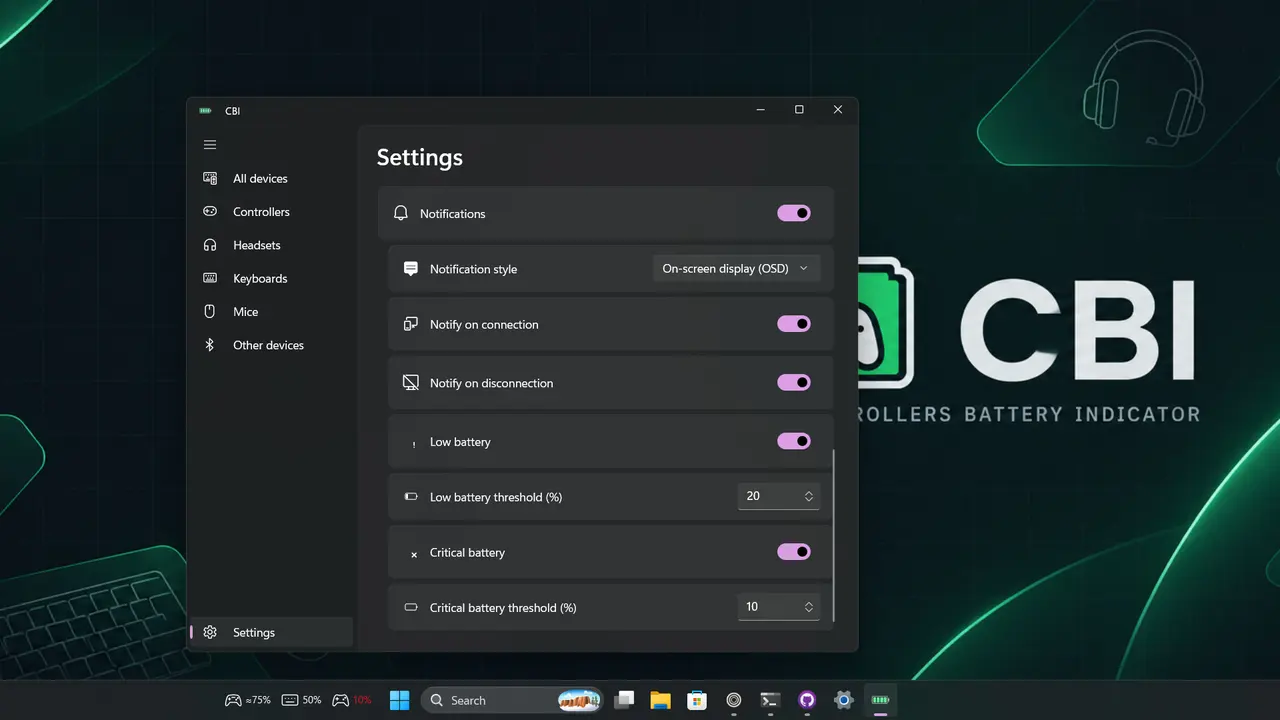
Customizable Notifications
Receive timely low-battery alerts so that a drained battery never catches you off guard.
Battery History
Track how the battery level of each device changes over time.
Proprietary radio devices IN DEVELOPMENTDevices that connect over their own 2.4 GHz radio dongles (instead of Bluetooth) do not expose battery data to Windows, so CBI cannot show their charge yet. Support for these devices is in development.
Your feedback matters!
The new version is currently in beta, so you may encounter bugs or compatibility issues with certain devices.
Share your impressions, report bugs, and suggest new features in the Steam Community discussions.
Thank you for staying with us! We hope the new CBI becomes an essential companion for all your wireless devices.
Trailers
System requirements
Minimum: OS: Windows 10 LTSC 2019 (1809) Additional Notes: Min build Windows 10 17763
Features & accessibility
PC system requirements
Minimum: OS: Windows 10 LTSC 2019 (1809) Additional Notes: Min build Windows 10 17763
Where to buy
official storesReviews
Screenshots
Do you recommend it?
No member reviews yet — be the first.
Discussions
View all →No discussions yet. Start one →
Aggregated from: steam